Scanner Comparison
Z PORTAL vs HXP-FreightScan
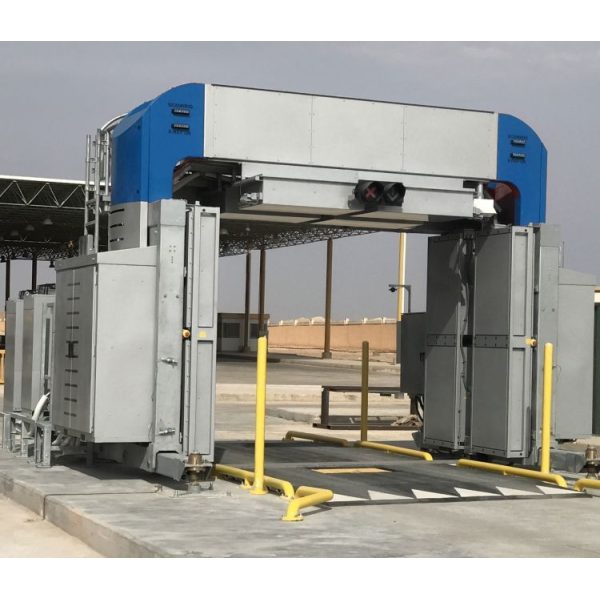
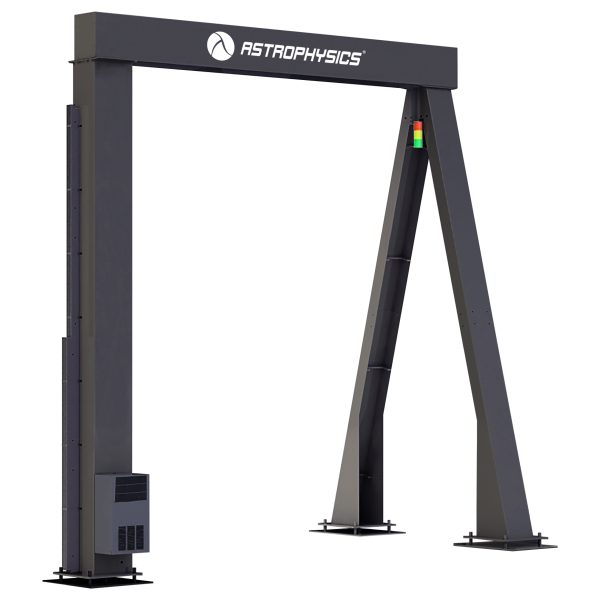
| Spec | Rapiscan Z PORTAL | Astrophysics HXP-FreightScan |
|---|---|---|
| Generator | ||
| X-ray Voltage (kV) | 225 | 4000/7500 |
| Generator(s) | N/A | 1 |
| Imaging | ||
| View(s) | Six views in total (two images from each side and two images from the top) | Single |
| Performance | ||
| Steel Penetration (mm) | N/A | 320 mm Typical, 300 Standard |
| Mechanical | ||
| Footprint (L×W×H) (mm) | 6.6 x 21.7 x 6.0 x 19.7 x 8.2 x 26.8 x 5.9 x 19.4 x 4.1 x 13.5 x 6.9 x 22.7 | 3200 x 8200 x 5400 |
| Electrical | ||
| Power | 50 Hz: 400 V, 90 A, 50 kVA; 60 Hz: 480 V, 75 A, 50 kVA | 380 VAC, 50Hz, Three Phase 14kVA |
| Software | ||
| Software / OS | N/A | Windows® OS |
| Options | ||
| Options | -40 | N/A |
| Vehicle Dimensions | ||
| Scan Area Dimensions (mm) | 4.2 x 13.8 x 4.7 x 15.4 x 3.4 x 11.1 x 2.8 x 9.2 | N/A |
| Recommended Max Vehicle/Object Size (mm) | 3.5 x 11.5 x 4.6 x 15.1 x 2.7 x 8.8 x 2.7 x 8.8 | N/A |
| Vehicle Throughput | ||
| Scanning Speed (km/hr) | 4 x 20 x 2.5 x 12.4 | N/A |
| Inspection Throughput (vehicles/hour) | 400 x 250 | N/A |
| Crew Requirement | One X-ray system operator inspector standard; additional traffic coordinator is optional | N/A |
| Radiation Safety | ||
| Dose to Driver (microSv) | 0.04 x 4.0 x 8 x 5 | N/A |
| Operating Environment | ||
| Operating Temperature (C) | -30 x 55 x -22 x 131 | N/A |
| Features | Z PORTAL | HXP-FreightScan |
|---|---|---|
| Features | Multi-view multi-technology system for comprehensive detection High-throughput drive-through screening Small footprint and construction-less design Z Backscatter Forwardscatter and dual-energy transmission technology Operator Alert Tools including Reference Vehicle Compare and Fusion Imaging™ Technology |
High Resolution Image Fully-Automated Drive Through Portal Black/White Imaging Picture Perfect Pseudo Color Reverse Monochrome Continuous Zoom Up to 64x Auto Image Archiving Image Review Management System Manual Bitmap Archive Image Annotation Print Image Capable Multi-Tier Accessibility Network Ready Real-Time Self Diagnostics CCTV Camera System Inspection Workstation Operator Workstation Speedometer Traffic Signals Vehicle Counter |
Want to compare against other scanners too?
This page compares exactly these two models. Open the full tool to compare up to 5, save results, and more.
Open X-Compare